Manufacturing Capacity
Scalable monthly output for wine cooler and beverage OEM programs.

Scalable monthly output for wine cooler and beverage OEM programs.
Full design, branding, and packaging tailored to your export line card.
ISO 9001 process control from incoming QC through final inspection.
CE, ETL, RoHS, and export compliance support for major markets.
Strict NDA and drawing confidentiality for partner projects.
Six product families engineered for export partners — wine, beverage, outdoor, drawer, combo, and cigar programs.
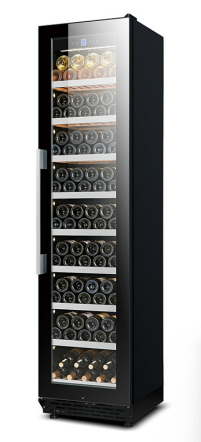
Precision temperature zones for fine wine storage and distributor line cards.
Learn More →Versatile chilled storage for cans, bottles, and bar merchandising layouts.
Learn More →Weather-resistant cabinets for patios, resort decks, and open-air kitchens.
Learn More →Undercounter drawer refrigeration for built-in kitchen and FF&E programs.
Learn More →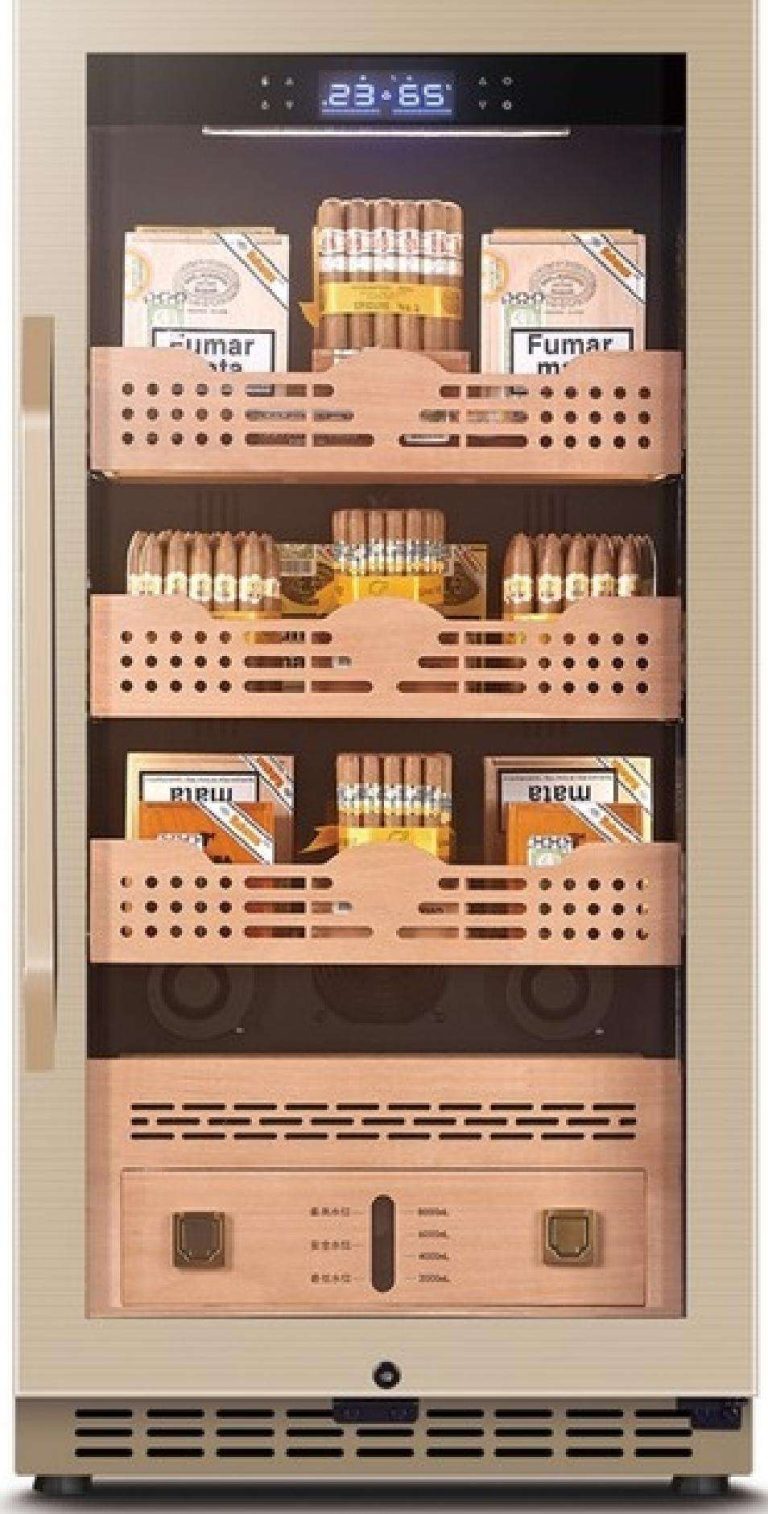
Dual-zone combinations for collectors, clubs, and retail showcases.
Learn More →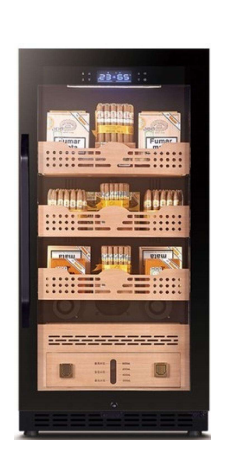
Climate-controlled humidors for premium cigar storage and hospitality programs.
Learn More →Solution
Advanced embedded refrigeration for residential kitchens and commercial hospitality — tailored for North America and European export programs.
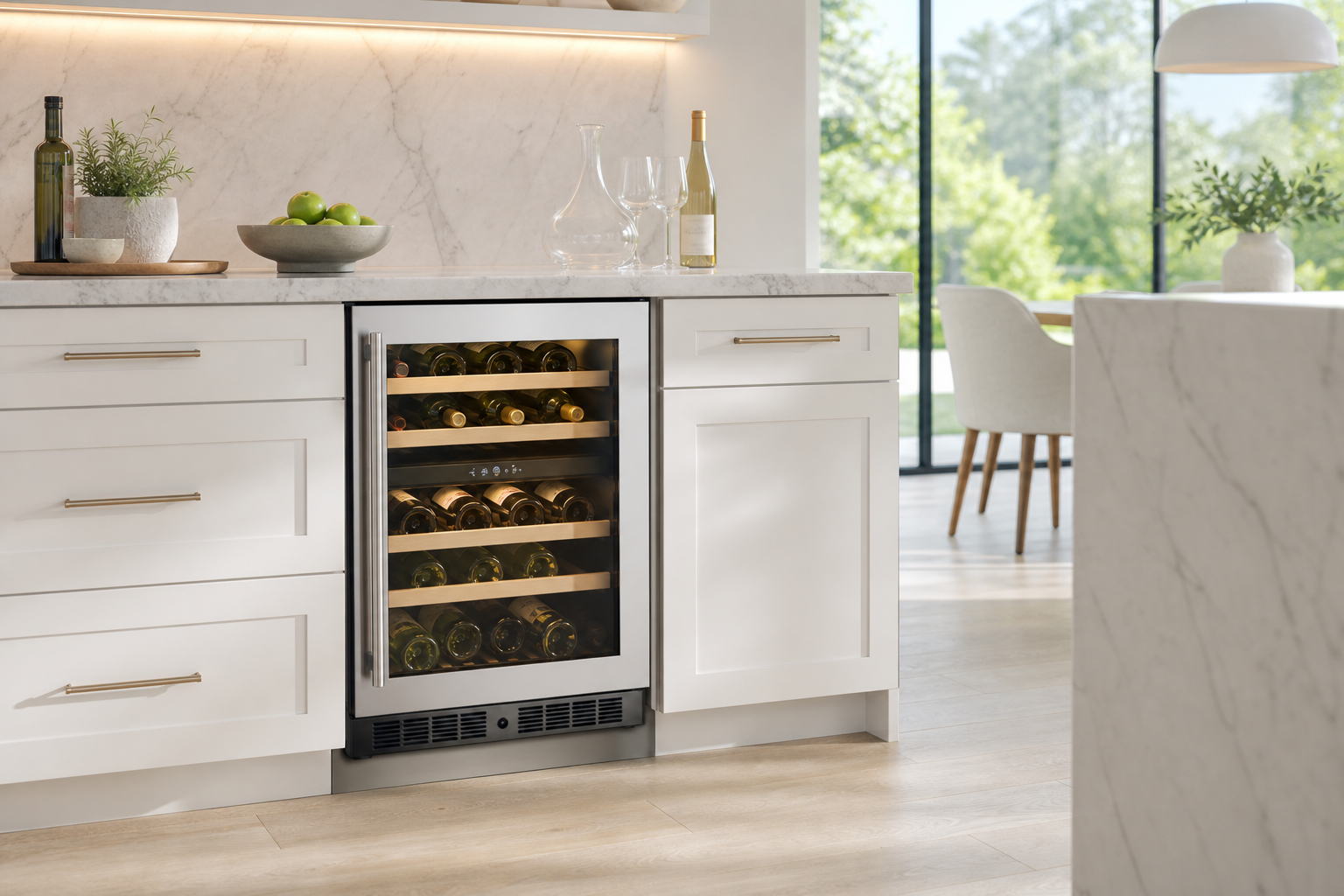
Undercounter wine coolers, beverage centers, and drawer refrigerators for premium residential kitchens in North America and Europe.
Explore Home Solutions →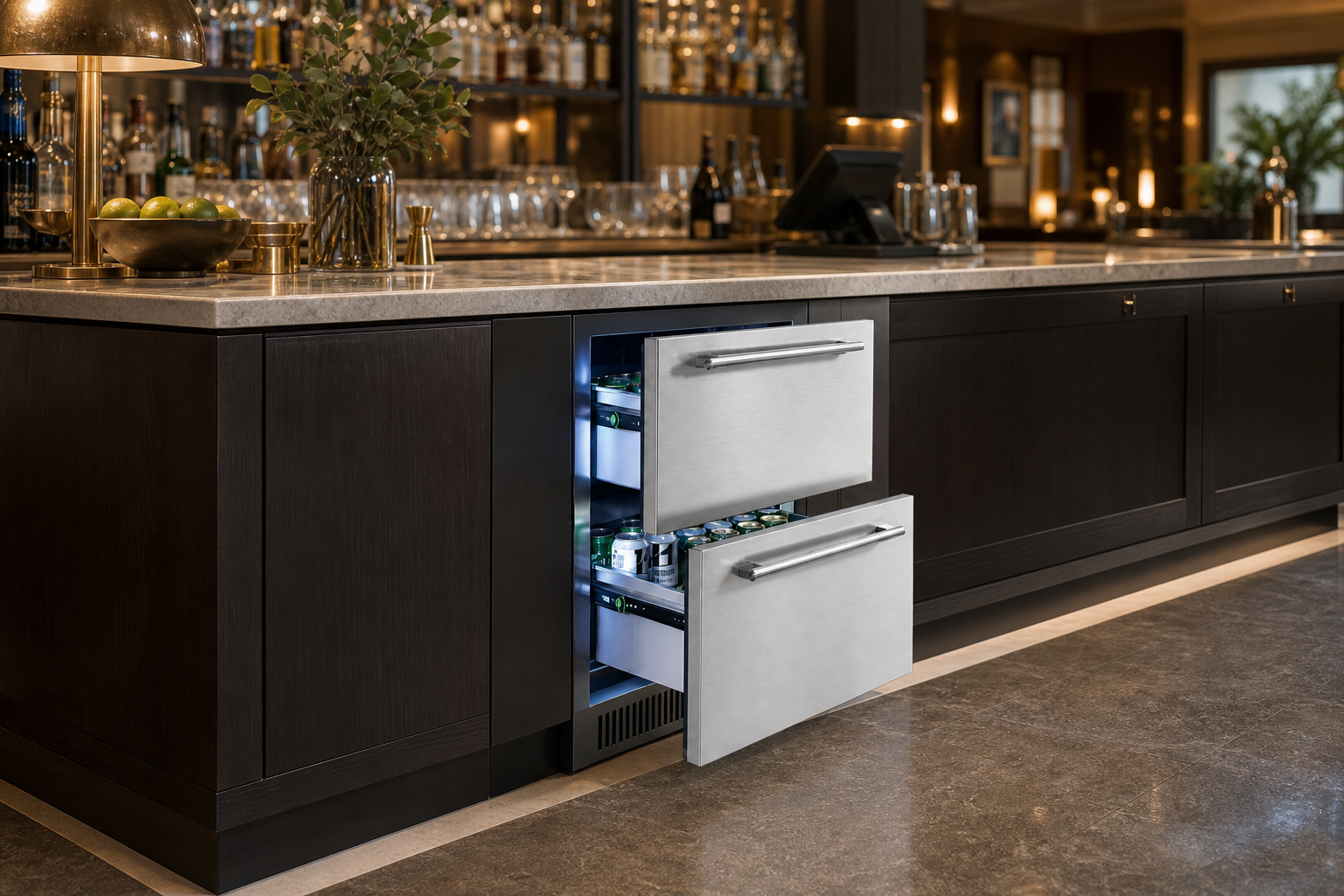
Hotel backbars, restaurant FF&E, and outdoor hospitality refrigeration for contract and wholesale programs.
Explore Commercial Solutions →Service Support
End-to-end export support from custom design through pilot builds, compliance, and after-sales service.
Engineering support from concept sketches to pilot builds and carton data.
Badge, panel finish, carton artwork, and retail-ready packaging options.
Transparent BOM and quotation workflows for distributor tenders.
NDA-backed handling of drawings, molds, and proprietary specifications.
Clear user manuals in English and additional languages on request.
Pre-sales, in-sales, and after-sales service guidelines for export partners.

Partner with ICECROWN for repeatable SKU dossiers, practical logistics footprints, and quotation workflows tuned for wholesale channels.
Get Free Quote